/
Project Management
5 Best Task Management Apps for Mac Users in 2026

Managing tasks efficiently has never been more essential, especially for Mac users juggling work, personal projects, and hobbies. A good task management app can transform your workflow, helping you stay organized, focused, and productive. This guide highlights the top task management apps in 2026, tailored for Mac users who need intuitive, feature-rich tools that integrate seamlessly with macOS.
Why This List?
We've carefully chosen these apps based on several criteria:
Ease of Use: Are they intuitive and easy to get started with?
Features: Do they provide robust task organization, scheduling, reminders, and collaboration?
Integration: Are they compatible with macOS, iOS, and other Apple ecosystem features?
Pricing: What’s the value, considering both free and paid options?
Let's dive into the 10 best task management apps for Mac users this year.
Top 5 Task Management Apps for Mac in 2026
1. Things 3
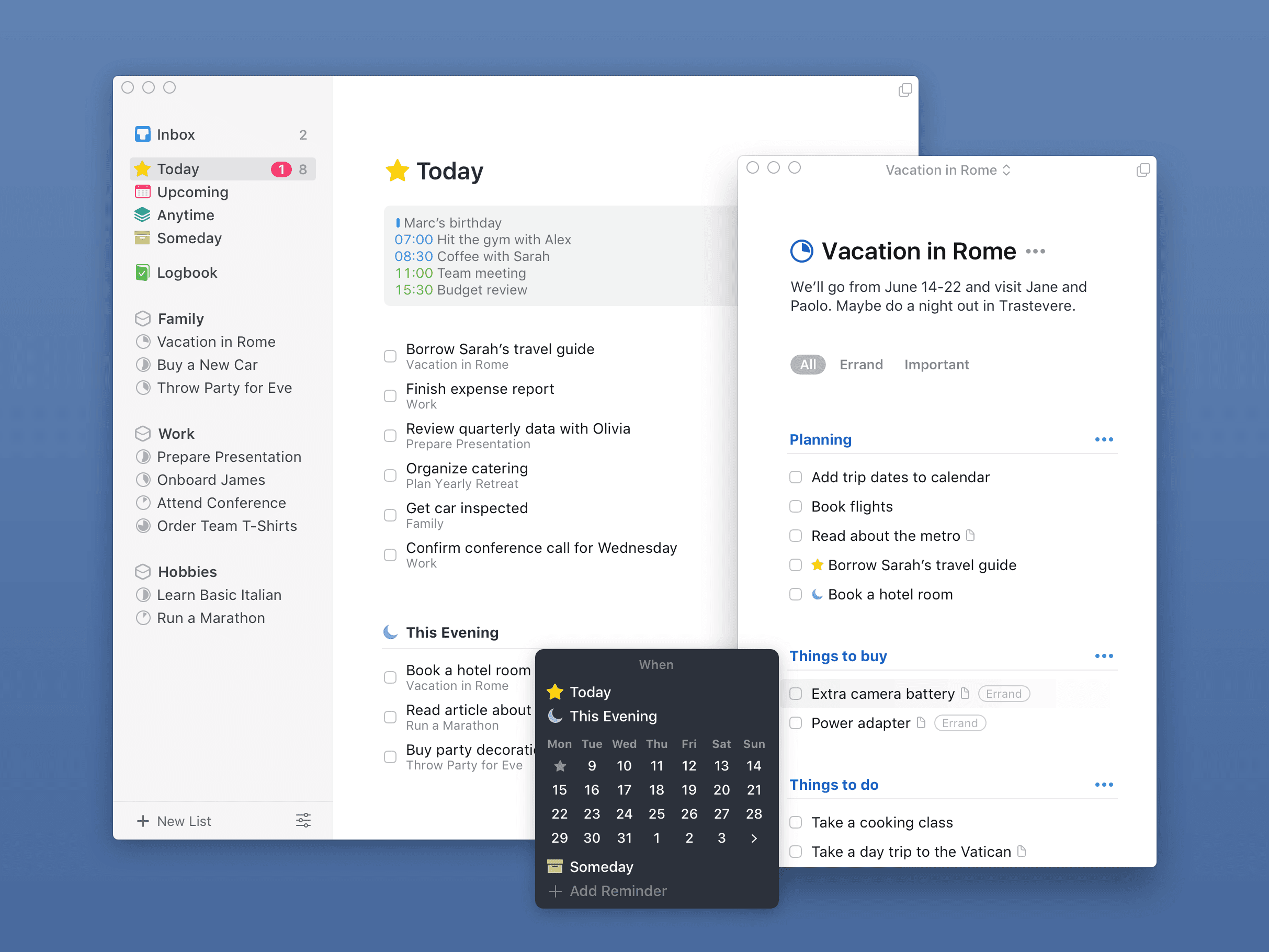
Things 3 is a beautifully designed app that combines simplicity with powerful task management features, ideal for Apple enthusiasts.
Best Features:
Clear, minimalist design and intuitive interface.
Organize tasks by projects, deadlines, and tags.
Handy “Today” view to focus on daily tasks.
Pros & Cons:
Pros: Easy to navigate, strong organization features.
Cons: No collaboration tools, limited to Apple devices.
Pricing: $49.99 (one-time purchase).
Who It’s Best For: Individuals looking for a sleek, Mac-only task manager.
macOS Compatibility: Integrates well with macOS reminders and Siri.
2. Todoist
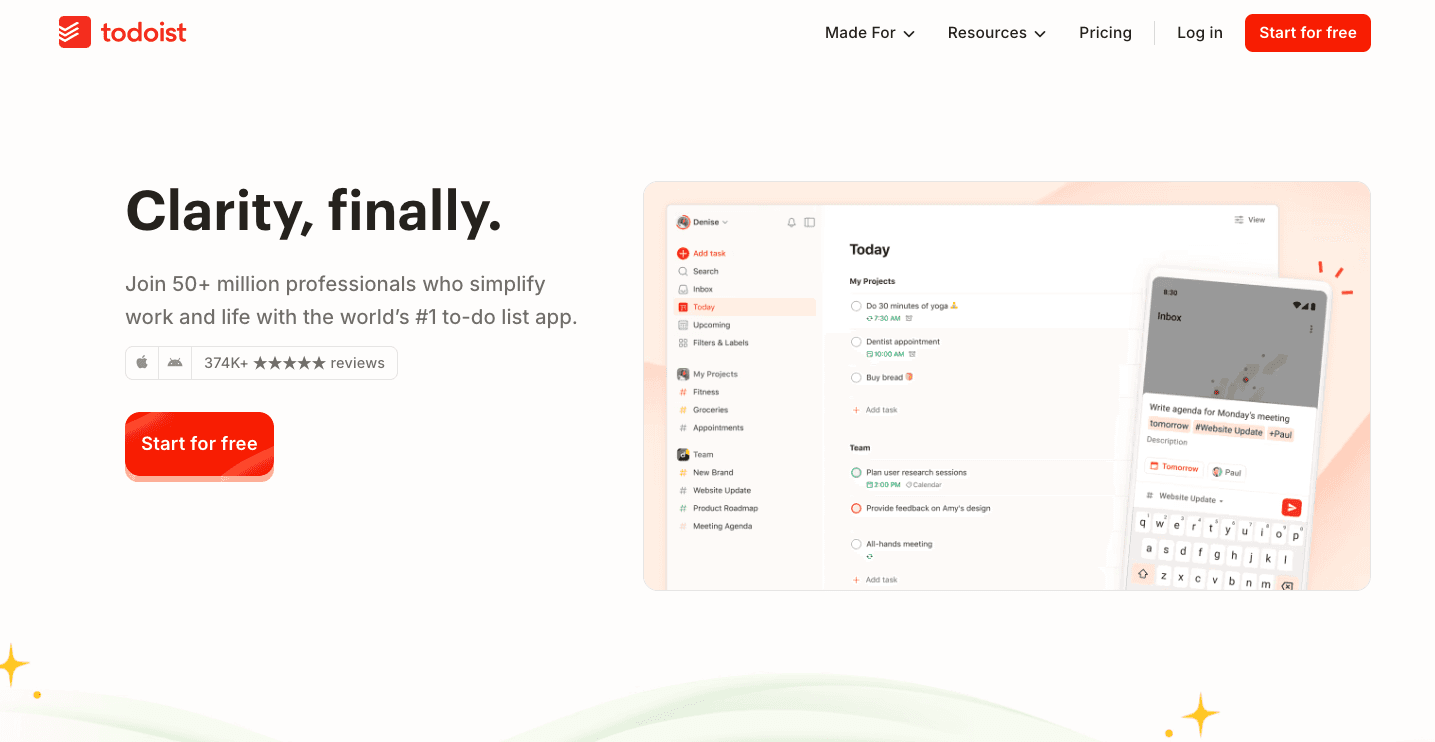
Known for its cross-platform capabilities, Todoist offers a balance of simplicity and advanced features.
Best Features:
Project and task management with sub-tasks and priorities.
Cross-device sync and collaboration tools.
“Productivity Trends” feature for tracking your progress.
Pros & Cons:
Pros: Great for personal and team tasks, flexible project organization.
Cons: Limited offline mode for free version.
Pricing: Free plan available; Pro at ~$3/month; Business at ~$4/month (billed annually).
Who It’s Best For: Individuals and small teams seeking cross-platform flexibility.
macOS Compatibility: Smooth sync across Apple devices.
3. OmniFocus
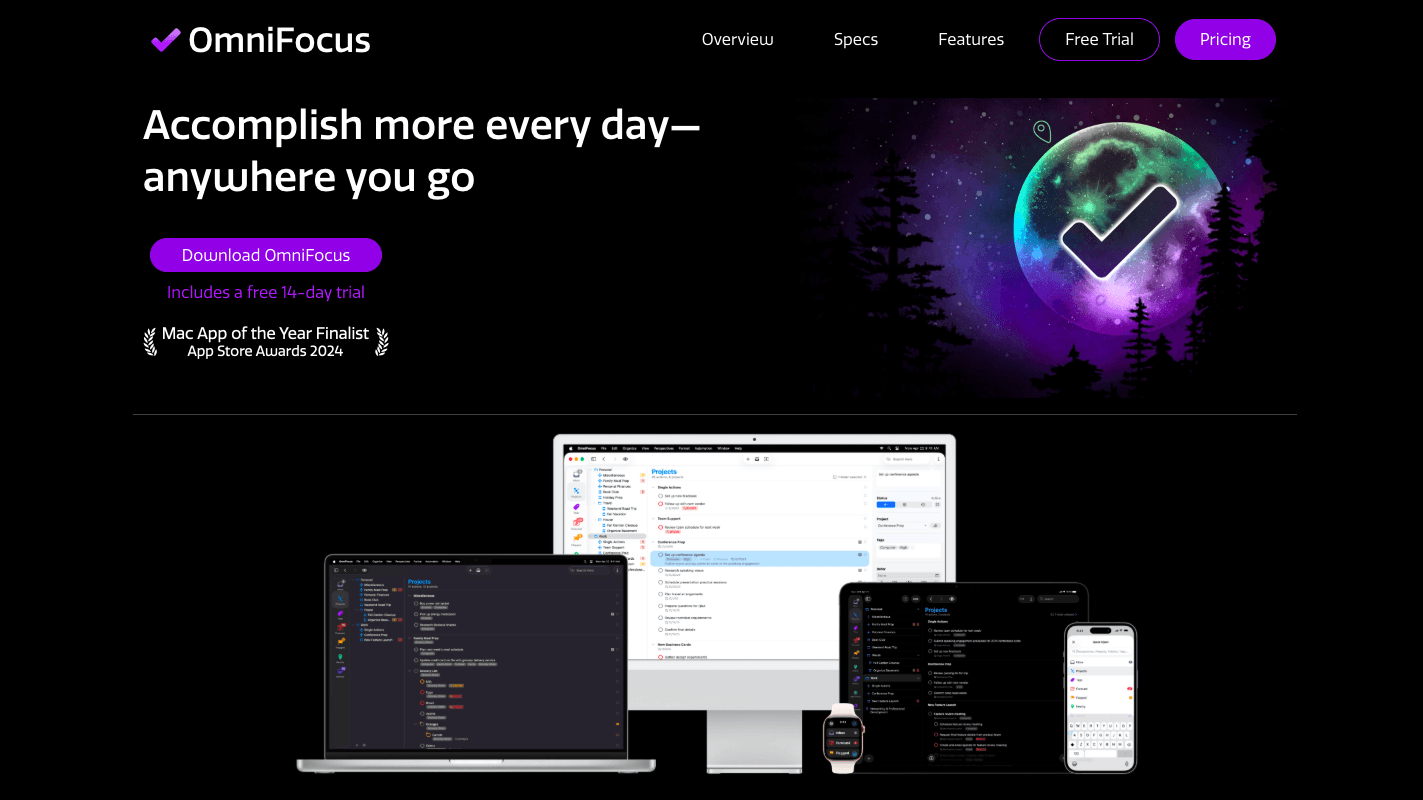
OmniFocus is a Mac-only powerhouse designed for advanced users who need more complex task management.
Best Features:
Custom perspectives for tailored task views.
Deep project hierarchy and task organization.
Integration with Siri, email, and more.
Pros & Cons:
Pros: Very customizable, rich feature set.
Cons: Steep learning curve, high price.
Pricing: Standard at $74.99, Pro at $149.99 (one-time purchase).
Who It’s Best For: Power users and productivity enthusiasts.
macOS Compatibility: Deep macOS integration with calendar and Siri.
4. Microsoft To-Do
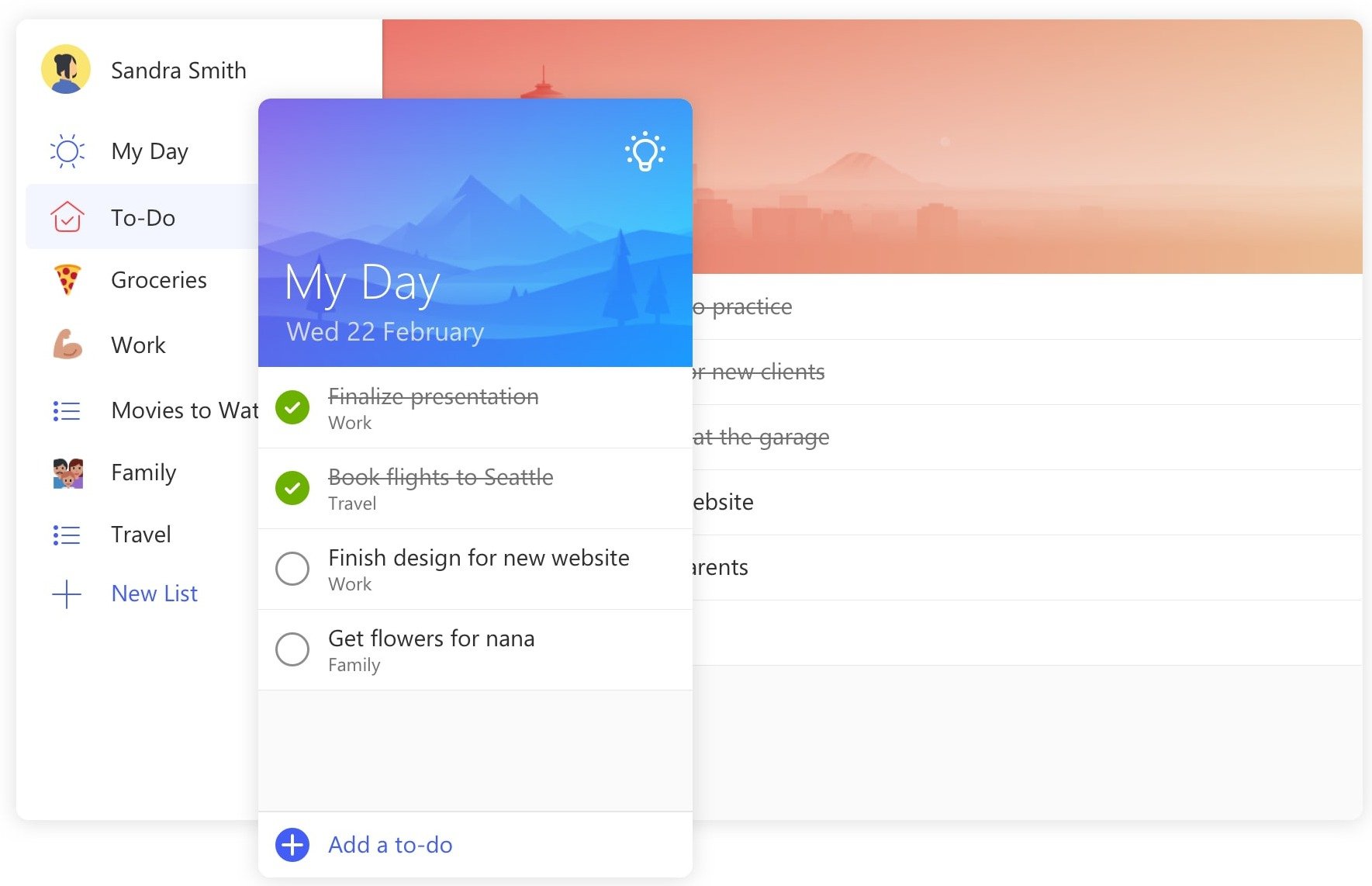
Microsoft’s lightweight app offers a simple, easy-to-use solution for task management.
Best Features:
“My Day” feature for focusing on daily priorities.
Syncs with Outlook tasks.
Customizable task lists and reminders.
Pros & Cons:
Pros: Free, intuitive interface, syncs with Outlook.
Cons: Lacks advanced project management features.
Pricing: Free.
Who It’s Best For: Users seeking a free, basic task manager.
macOS Compatibility: Available across Apple devices with limited integration.
5. Teamcamp
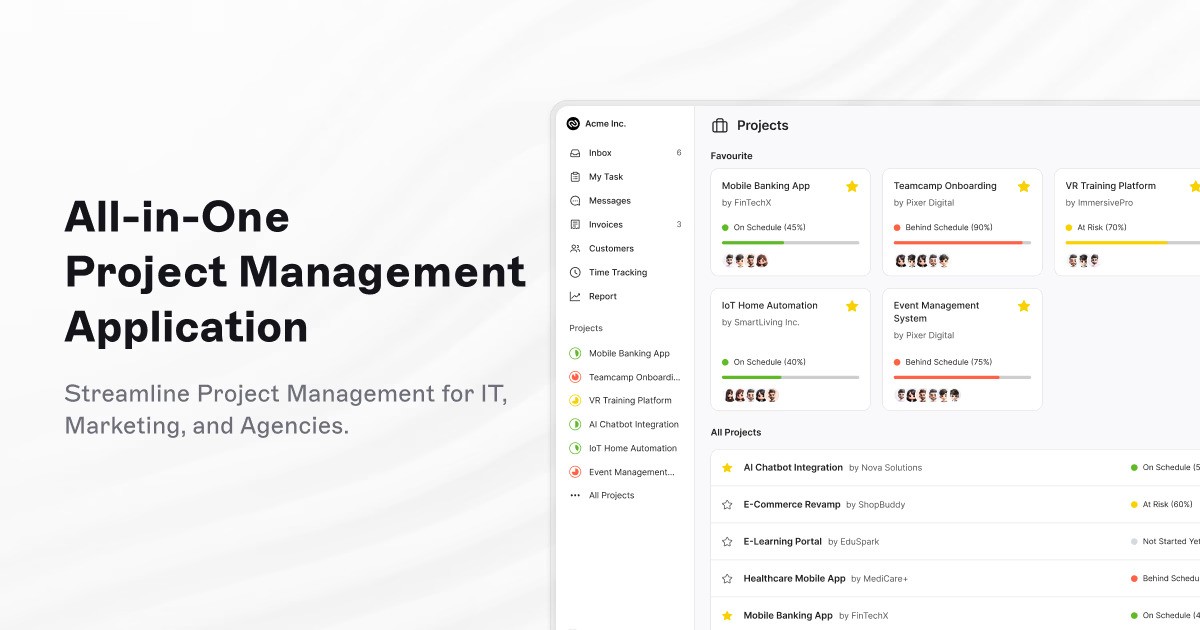
Teamcamp is built for client-facing agencies managing multiple projects at once. It goes beyond basic task management by combining tasks, time tracking, client collaboration, and invoicing into one streamlined platform that supports work from planning to payment.
Best Features:
Comprehensive task and project management for multiple projects.
Internal and client collaboration tools with centralized document storage.
Built-in time tracking, invoicing, and client portals for complete project oversight.
Pros & Cons:
Pros: Excellent for team collaboration, supports client-facing work, and integrates time tracking and payments.
Cons: Full feature set may feel comprehensive for users only needing simple task management.
Pricing: Free (up to 10 users, up to 250 active tasks), Plus at $6/user/month (billed annually), or Pro Unlimited at $99/month (flat rate for unlimited users).
Who It’s Best For: Freelancers and client-facing development, design, and marketing teams managing multiple projects with built-in time tracking and client collaboration.
macOS Compatibility: Web-based with seamless functionality on macOS and strong integration for remote and hybrid work environments.
Comparison Table
App | Core Focus | Standout Features | Pricing | Best For | macOS Compatibility |
|---|---|---|---|---|---|
Things 3 | Personal task management | Minimalist design, projects, tags, Today view | $49.99 (one-time) | Individuals who want a sleek, Mac-only task manager | Deep native macOS, Siri & Reminders integration |
Todoist | Task management with collaboration | Sub-tasks, priorities, recurring tasks, team sharing | Free / ~$3–4 per month | Individuals & small teams needing cross-platform flexibility | macOS app with seamless Apple device sync |
OmniFocus | Advanced personal productivity | Custom perspectives, deep task hierarchies, automation | $74.99–$149.99 (one-time) | Power users with complex task workflows | Full macOS, Calendar & Siri integration |
Microsoft To-Do | Basic task lists | Simple lists, reminders, Outlook sync | Free | Users who need a free, lightweight task manager | macOS app with Outlook ecosystem sync |
Teamcamp | Client & project management | Tasks, time tracking, client portals, invoicing, collaboration | Free (≤10 users,250 tasks) / $6 per user / $99 flat (unlimited users) | Development, design & marketing agencies managing client projects | Web-based, fully functional on macOS |
How to Choose the Right Task Management App for You
The right app depends on your needs. Here are a few considerations:
Solo Users vs. Teams: If you work solo, apps like Things 3 and OmniFocus offer streamlined workflows. For teams, Teamcamp and Todoist are great for collaboration.
Budget: Microsoft To-Do is free and reliable. But if you’re looking for advanced options, the investment in OmniFocus or Todoist Premium may be worth it.
macOS Integration: If syncing across Apple devices is essential, prioritize apps like Things 3 and OmniFocus, which are specifically optimized for macOS.
Experiment with Free Trials
Choosing the right task management app depends on how well it fits your workflow. Whether you’re managing personal tasks, collaborating with a team, or handling client projects, trying a tool in real scenarios makes all the difference. Many apps on this list offer free plans or trial periods, giving you the chance to explore their features, test usability, and see what truly supports your productivity before committing.
Conclusion
The right task management app can enhance productivity, keeping you organized and on track. Each app listed here brings unique benefits, from comprehensive project tracking to simple task management. Whether you’re a solo Mac user or part of a team, 2026’s top task management apps offer a wealth of options to streamline your work.
Frequently Asked Questions (FAQ’s)
1. What is the best task management app for Mac users who work in teams?
If you're part of a team, Teamcamp is a solid pick. It’s built for collaboration and includes features like task management, time tracking, client portals, and invoicing—all in one place. It’s ideal for remote teams or agencies working on multiple projects.
2. Are there any free task management apps for Mac?
Yes! Microsoft To-Do is completely free and a great option if you just need basic task lists and reminders. Todoist also offers a free version, and Teamcamp provides a free trial so you can test it out before committing.
3. Which Mac task manager integrates best with Apple ecosystem features like Siri and Reminders?
Things 3 and OmniFocus are both excellent choices here. They’re built specifically for macOS and offer deep integrations with features like Siri, Reminders, and Calendar.
4. Can I use these task apps across my Mac, iPhone, and iPad?
Definitely. Most of the apps listed—like Todoist, Teamcamp, and Things 3—sync across macOS and iOS devices. This makes it easy to manage tasks on the go, whether you’re on your MacBook or iPhone.
5. How do I choose the right task manager for my workflow?
It depends on your needs! Solo users might prefer the clean interface of Things 3, while teams will love the collaboration features in Teamcamp. Want to explore your options? Check out our guide to project management tools for remote teams.


